Help audiences find answers and partners reach the right team.

Vatoo answers questions about your content, subscriptions, and events. Collect licensing and partnership enquiries with the details your commercial team needs.

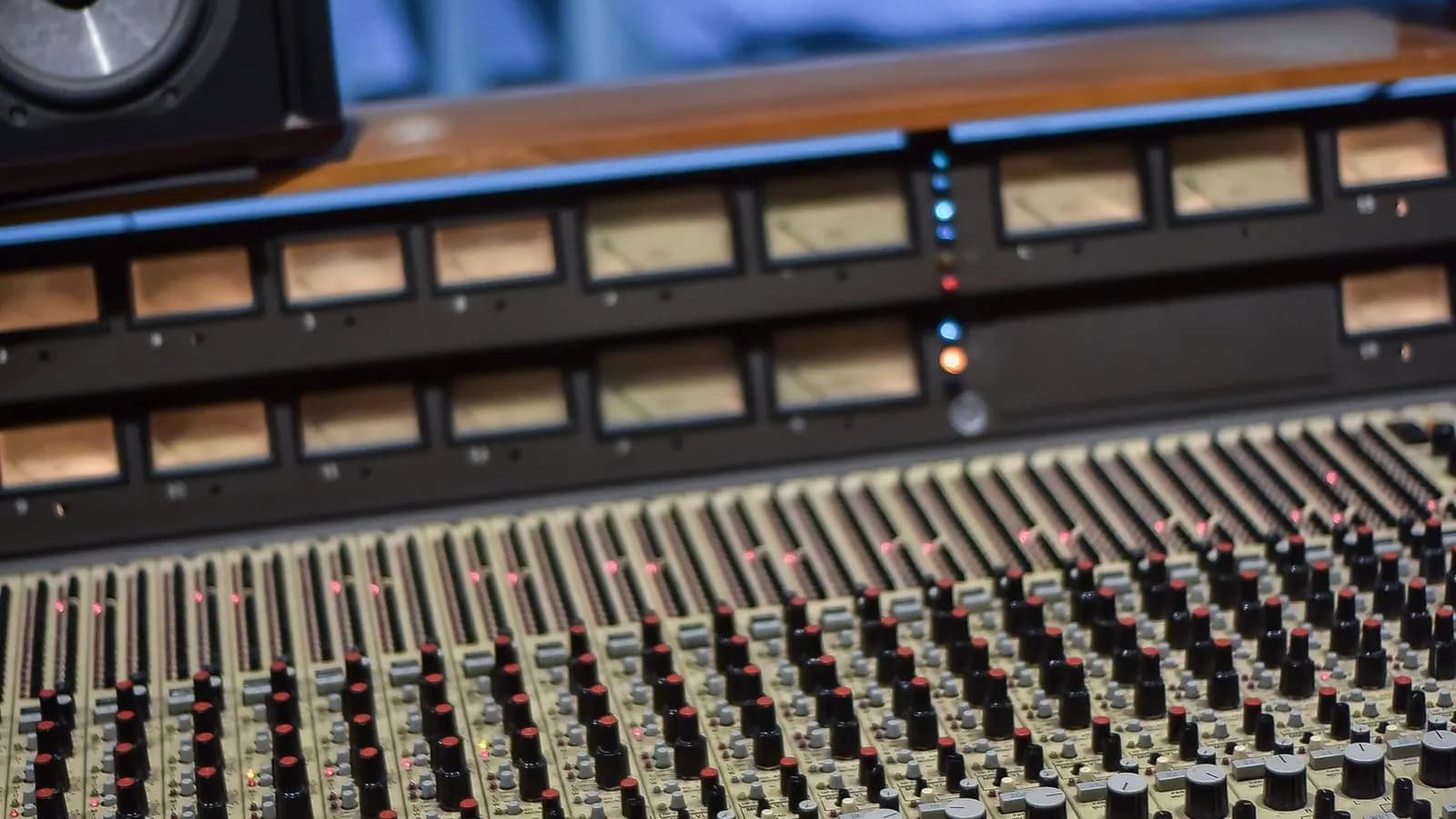
Mixing console in a recording studio

Example conversation

“Who should I contact about licensing a clip for a campaign?”

Clip licensing enquiry
Built forpublishers, studios, streaming services, and entertainment businesses

1,000 trial messages · No credit card required

A subscriber and a licensing buyer need different conversations.

One visitor may need account help, while another wants to use your content. Separating the enquiry early makes the next step clearer for everyone.

01

A licence enquiry lacks the intended use

The rights team needs the clip, territory, and usage period before it can review a request.

02

Subscribers need another desk

Billing and access questions should go to the subscription support route.

03

Release information changes

Audiences need the published schedule for the specific title or event.

Example conversation

Clip licensing enquiry

See what a visitor might ask, how Vatoo could respond, and which details would help with follow-up.

Discuss this example

VisitorWho should I contact about licensing a clip for a campaign?

VatooWhich clip would you like to use, where will the campaign run, and for how long? I can collect those details for the rights team.

Rights team to review permission and terms

What your team learns
from this enquiry.

Enquiry detail
Example answer
Content
Short video clip
Use
Brand campaign
Period
Three months

Powering customer conversations.

Guide audience and commercial enquiries in one place.

Audience support, subscription guidance, and licensing enquiries.

Who should I contact about licensing a clip for a campaign?
Which clip would you like to use, where will the campaign run, and for how long? I can collect those details for the rights team.

Find content information

Use published catalogues, schedules, and programme pages to answer questions about your content and events.

catalogues, release information, and schedules
ContentShort video clip
UseBrand campaign
PeriodThree months

Prepare licensing enquiries

Ask which content, intended use, territory, and time period the requester wants your rights team to consider.

content, use, territory, period
Choose a topic
Catalogue guideLicensing enquiriesSubscription helpRelease schedulesPartner enquiriesRights contacts

Explain subscription support

Point audiences to approved billing, access, and cancellation instructions or the appropriate support contact.

subscription help and account support routes
Checklist shared
Requirements explained
Contact provided

Find release information

Help audiences locate a published release date, broadcast schedule, or event listing.

Release schedules
3:07 AMAfter-hours enquiry
ENESDEAR

Take a partnership enquiry

Collect the proposed collaboration, audience, and timescale for the commercial team.

Partner enquiries
↗
Ready for follow-upClip licensing enquiry

Reach the rights team

Direct questions about usage restrictions and contract terms to the licensing contact.

Rights contacts

Choose what your AI agents handle.

Here are two example roles for your audience and rights teams. Start with the one that handles the questions you hear most often.

See how AI agents work
Audience support guide
Helps viewers find release schedules, catalogue details and the official subscription support route.
Licensing enquiries
Asks which content a partner wants to use, where it will appear and for how long.

Built around your audience and rights teams.

Choose what visitors can learn in chat and when they should speak with someone on your team.

What the chatbot can draw on

Start with the information you already share with visitors.

  • Content catalogues and published schedules
  • Licensing enquiry requirements and commercial contacts
  • Subscription help articles and account procedures

When a person takes over

Your rights team approves licences and usage terms. Account changes need your authenticated process; unpublished releases should not be inferred.

Discuss your setup in a demo

Set up your chatbot in 4 steps

Start with the questions your customers ask most. Add your answers, test the chat, then put it on your website.

Choose your type of business

Healthcare
Real estate
Travel
Retail
Media & Entertainment
Finance
Logistics
Hotels
Legal
Fitness
Insurance
SaaS
Choose the closest fit, then make it your own.

Chatbot pricing for your audience and rights teams.

Start with 1,000 trial messages. Then choose the features and monthly message limit that fit your business.

Try it with your website

Free trial

Try answering “How do I check the schedule for an upcoming release?” with your own website and documents.

Free1,000 trial messages · one-time allowanceNo credit card required
  • 1,000 messages to try
  • Premium features included
  • No credit card required
Start free trial
Website questions & enquiries

Essential

Answer visitor questions using your content catalogues and published schedules and collect details for follow-up.

$39 / month3,000 messages / month$468 billed yearly
  • Website and document answers
  • Contact details collected in chat
  • Email support
Choose Essential
Flows & connected toolsBookings & connected tools

Premium

Guide visitors through the “Clip licensing enquiry” example with follow-up questions and forms.

$119 / month15,000 messages / month$1428 billed yearly
  • Flows and connected tools
  • Unlimited Smart Forms
  • Memory and priority support
Choose Premium
Bigger teams & custom setup

Enterprise

Discuss custom integrations, hosting needs, and support for your team.

CustomCustom message allowance and supportTailored to your requirements
  • Custom message allowance
  • Integration and hosting options
  • Dedicated account manager
Talk to sales

Need help choosing between plans?

Compare plans and limits

The details before you start.

Common questions from media & entertainment teams.

No. It can explain your licensing process and collect the intended use. Your rights team must check ownership, permissions, territory, duration, and commercial terms before granting a licence.

Make every audience or partner enquiry easier to direct.

Test your own content with 1,000 free trial messages, or book a demo to discuss your setup.